 Preener
Free
$0
- AI help every day
- 5 minutes of voice typing a day
- All 100+ actions
- Android, Chrome and the web
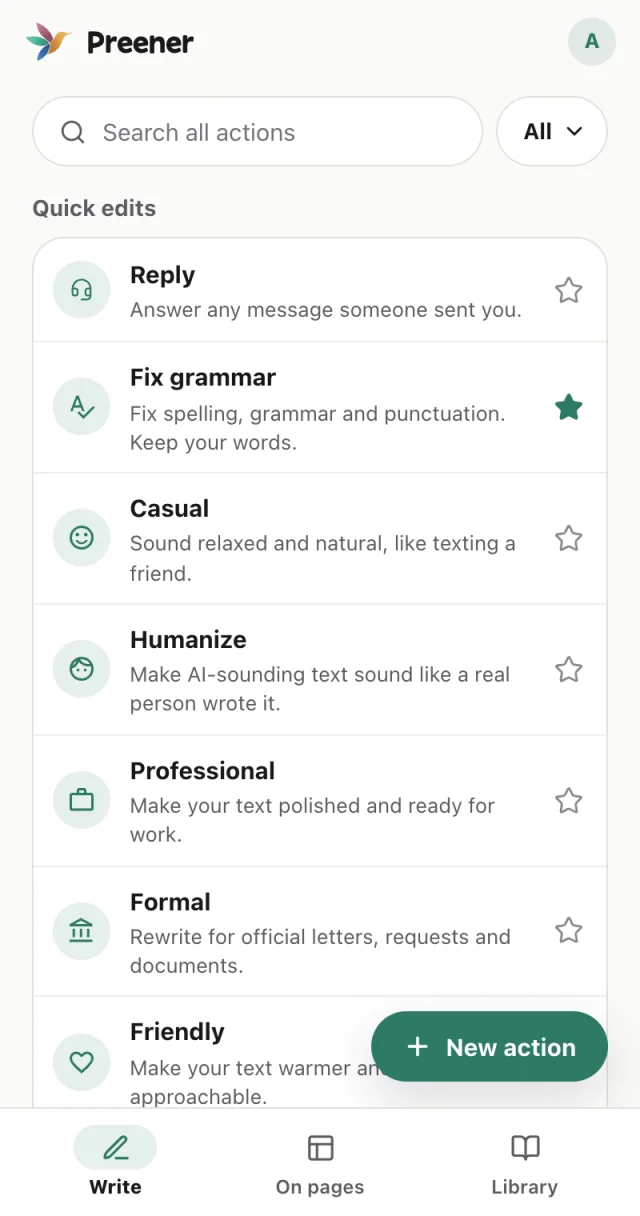
Preener fixes grammar, changes the tone and writes replies in one tap. Add it to Chrome, use it as your Android keyboard, or write right here on the web.
Free to start. No card needed. One account everywhere. Or start writing on the web
Sign in once. Your plan and your daily AI help follow you from your phone to your computer.
Click the bird in any text box on the web, including Gmail and Google Docs, to fix it in place, with Undo.
Fix and rewrite right inside WhatsApp, Gmail, Instagram and every other app.
Every action from the app in your browser. Sign in and start writing.
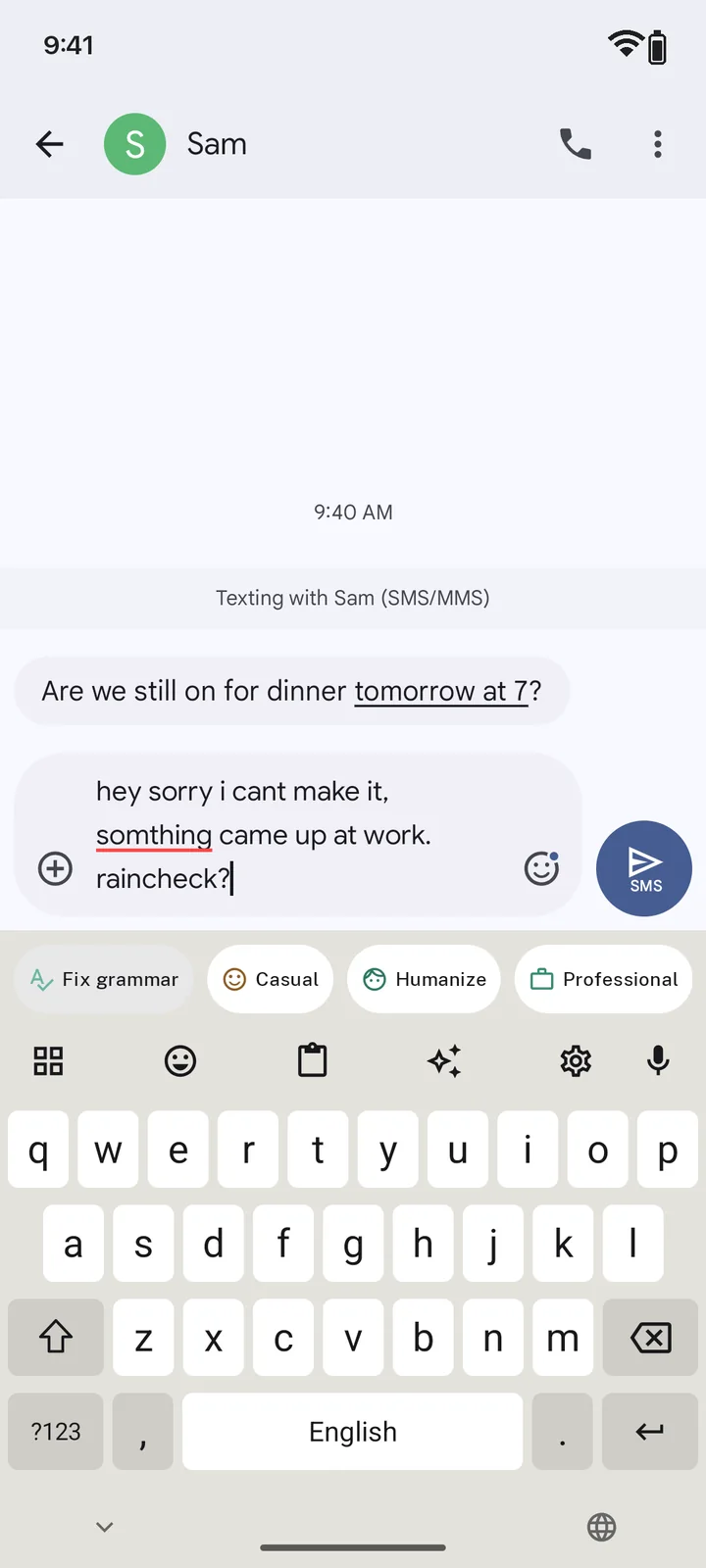
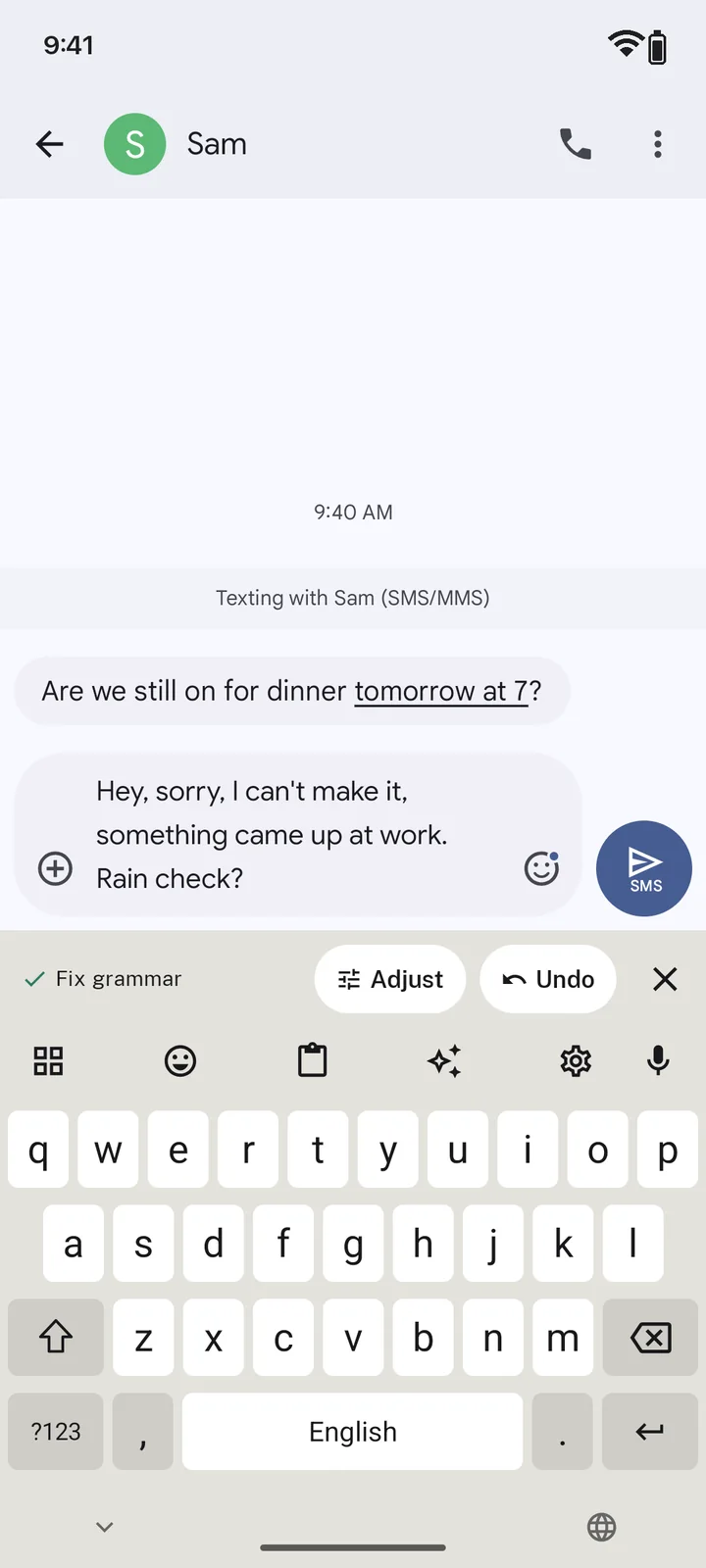
The same one-tap fixes as the keyboard, in every text box on the web.
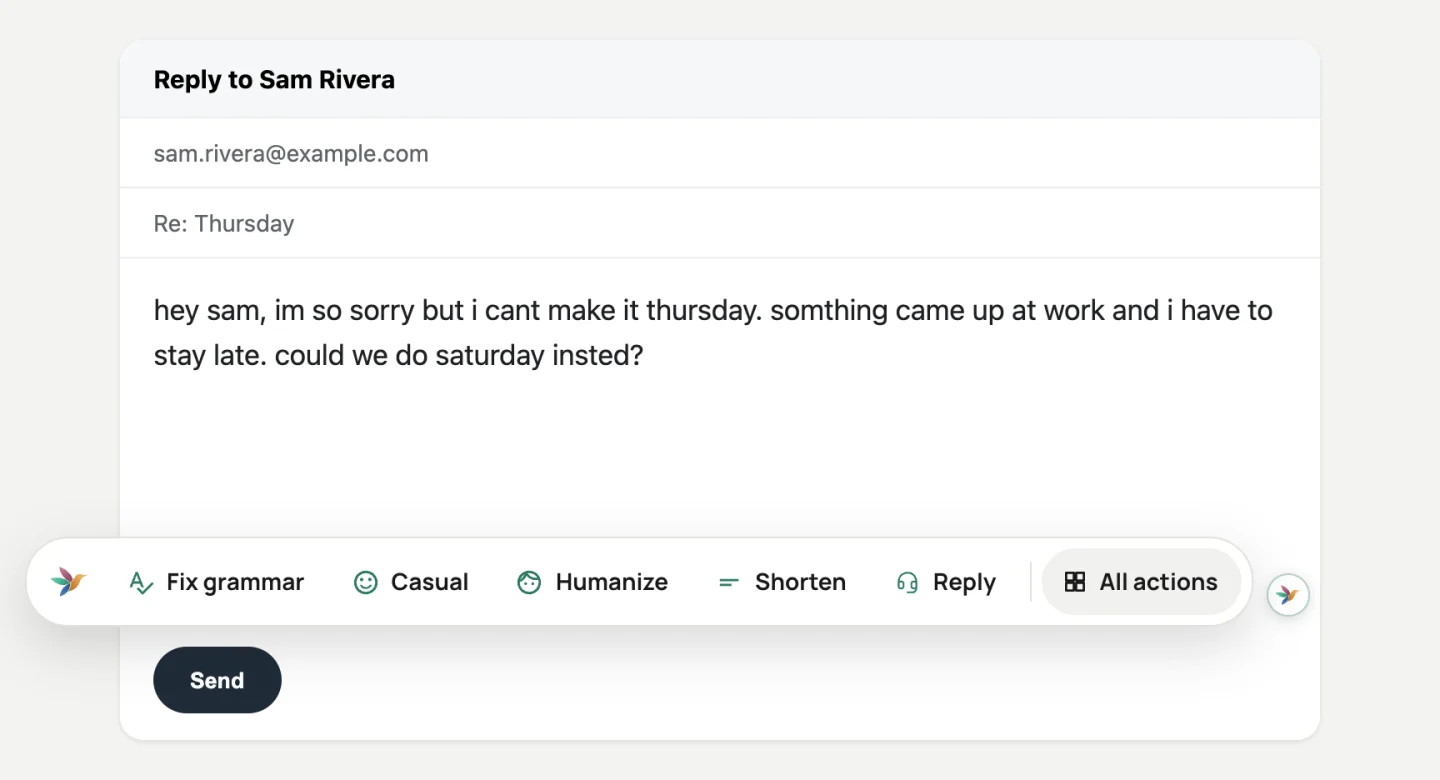
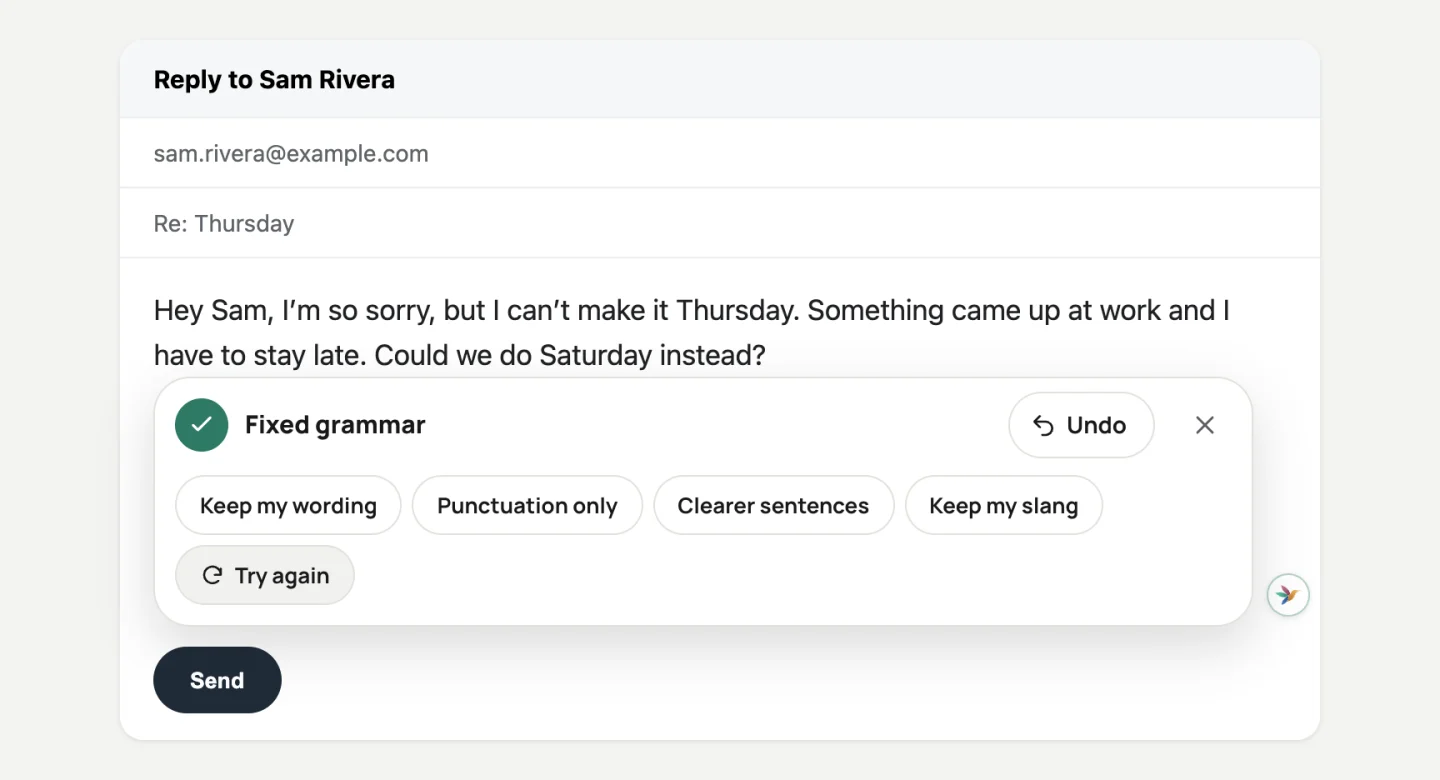
 WhatsApp
 Gmail
Gmail Instagram
 Messenger
 Facebook
 X
X TikTok
 LinkedIn
 Telegram
 Slack
Slack Discord
 Reddit
 Signal
 Threads
 Microsoft Teams
 Zoom
Zoom Google Meet
 Notion
 YouTube
 Pinterest
 Tumblr
 Twitch
 Bluesky
 Mastodon
 Trello
 Asana
Asana Linear
 Medium
 WordPress
 Google Keep
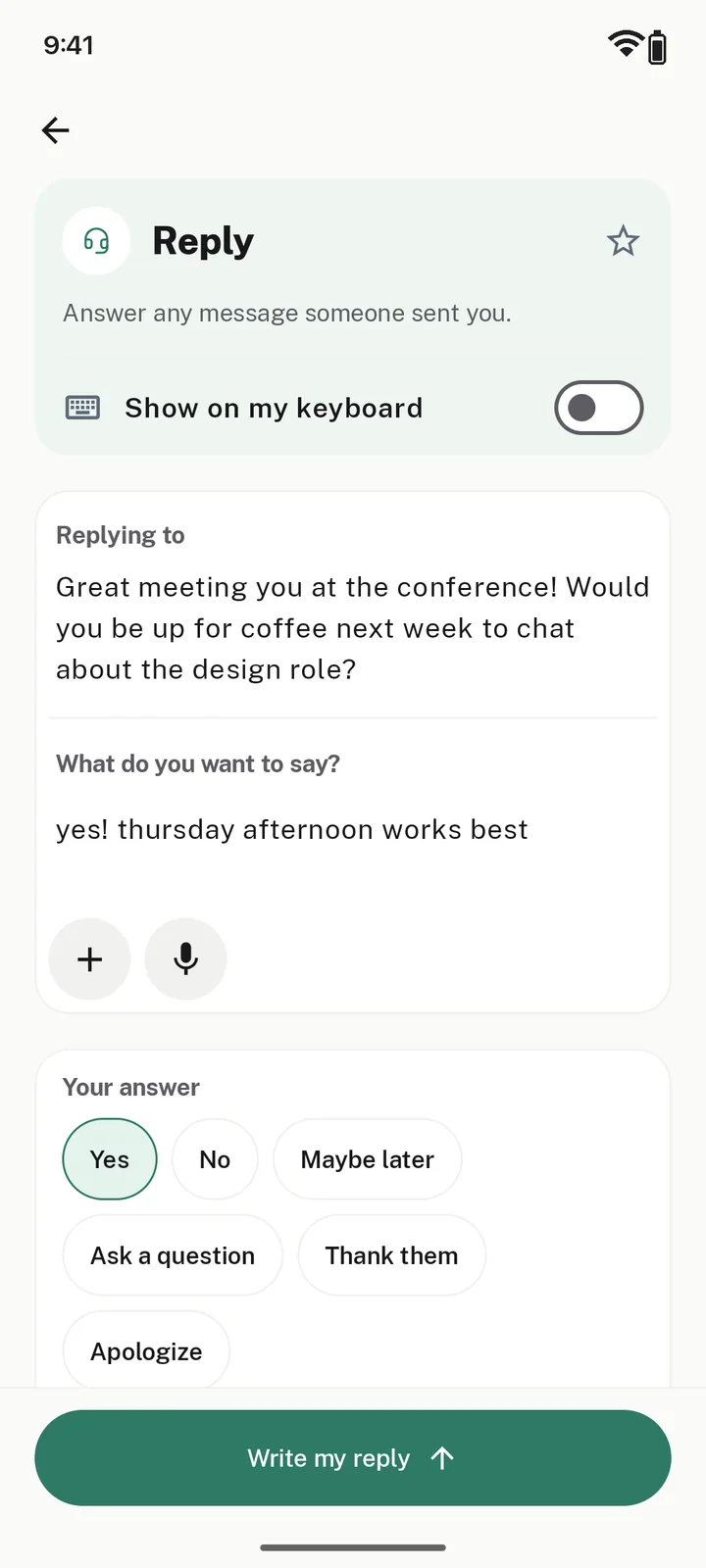
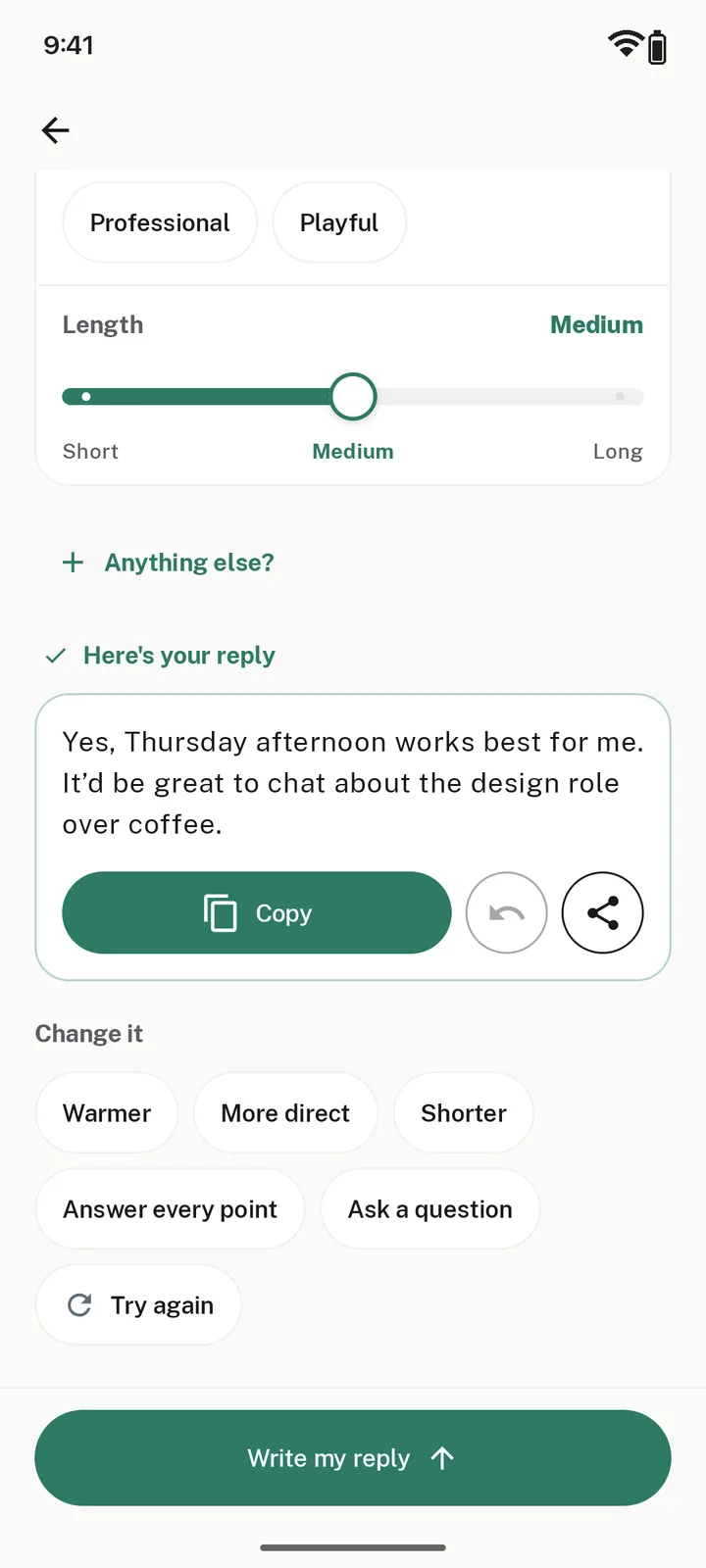
Paste the message you got, pick a quick answer like Yes or Maybe later, and Preener writes the reply. Great for the awkward ones you’ve been putting off.
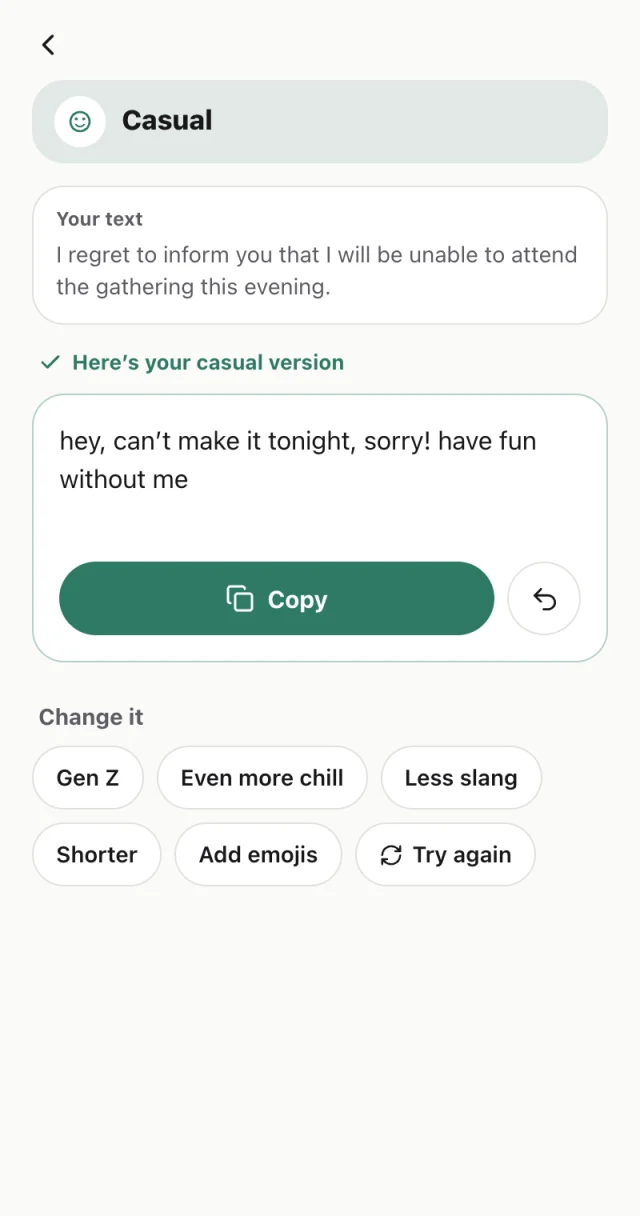
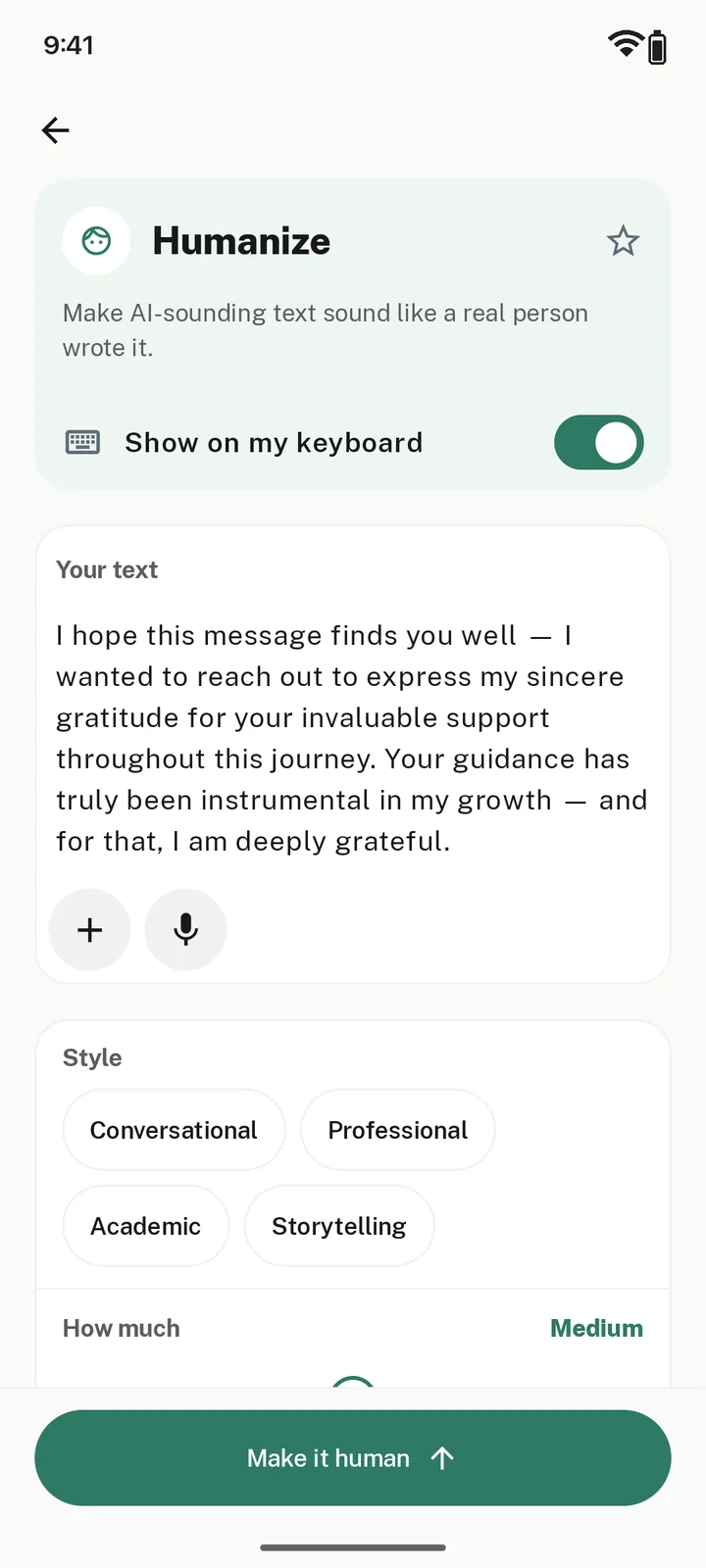
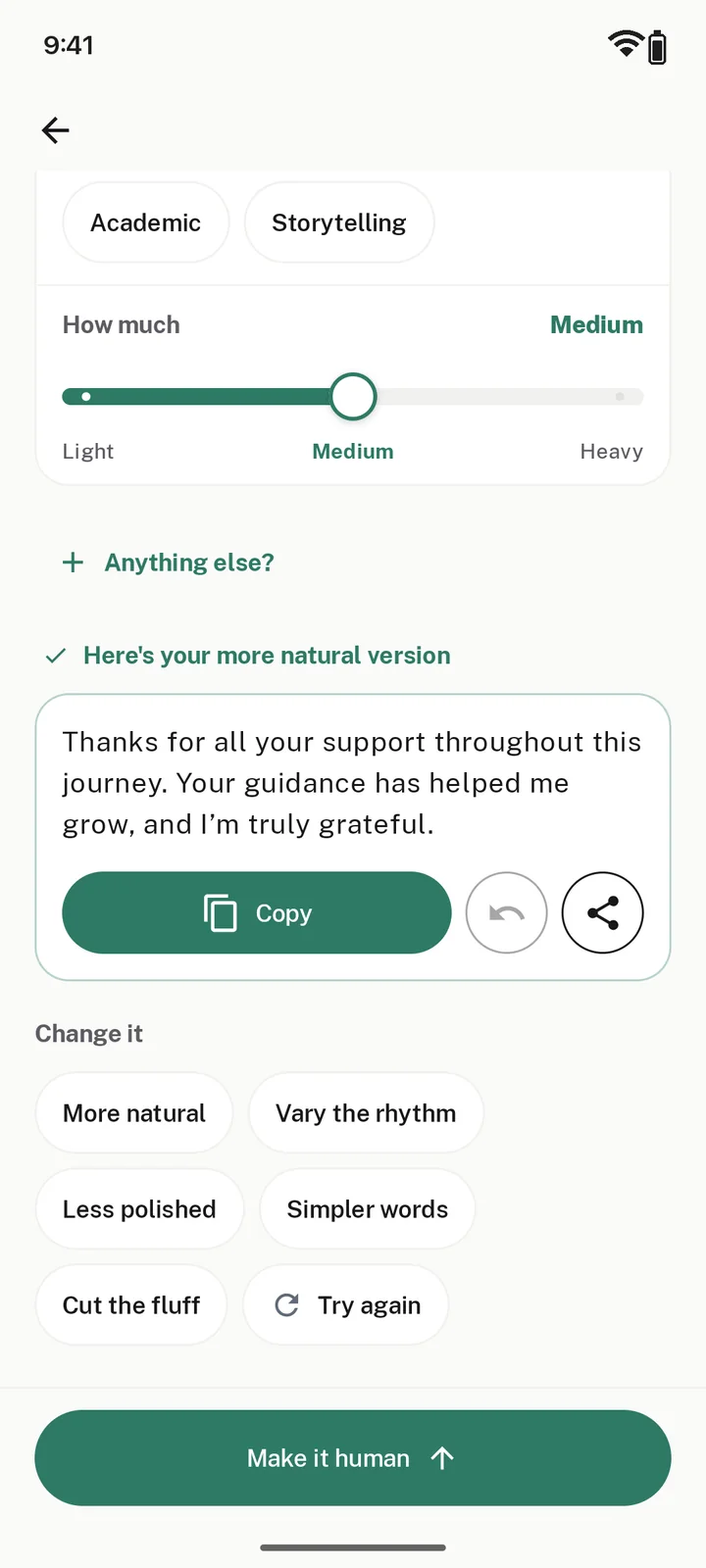
Humanize turns formal, robotic writing into something a real person would say.
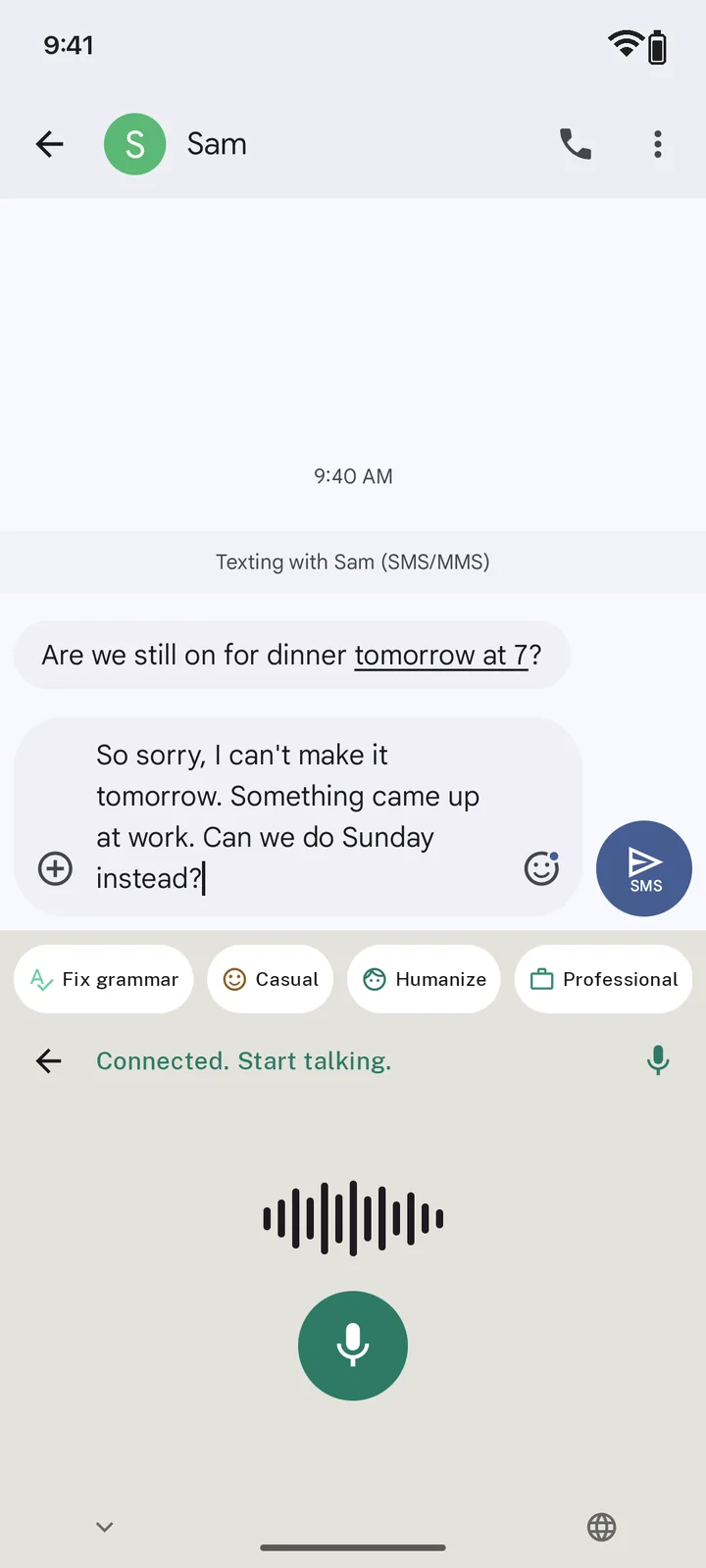
Tap the mic and ramble. Preener drops the ums and turns it into a clean message.
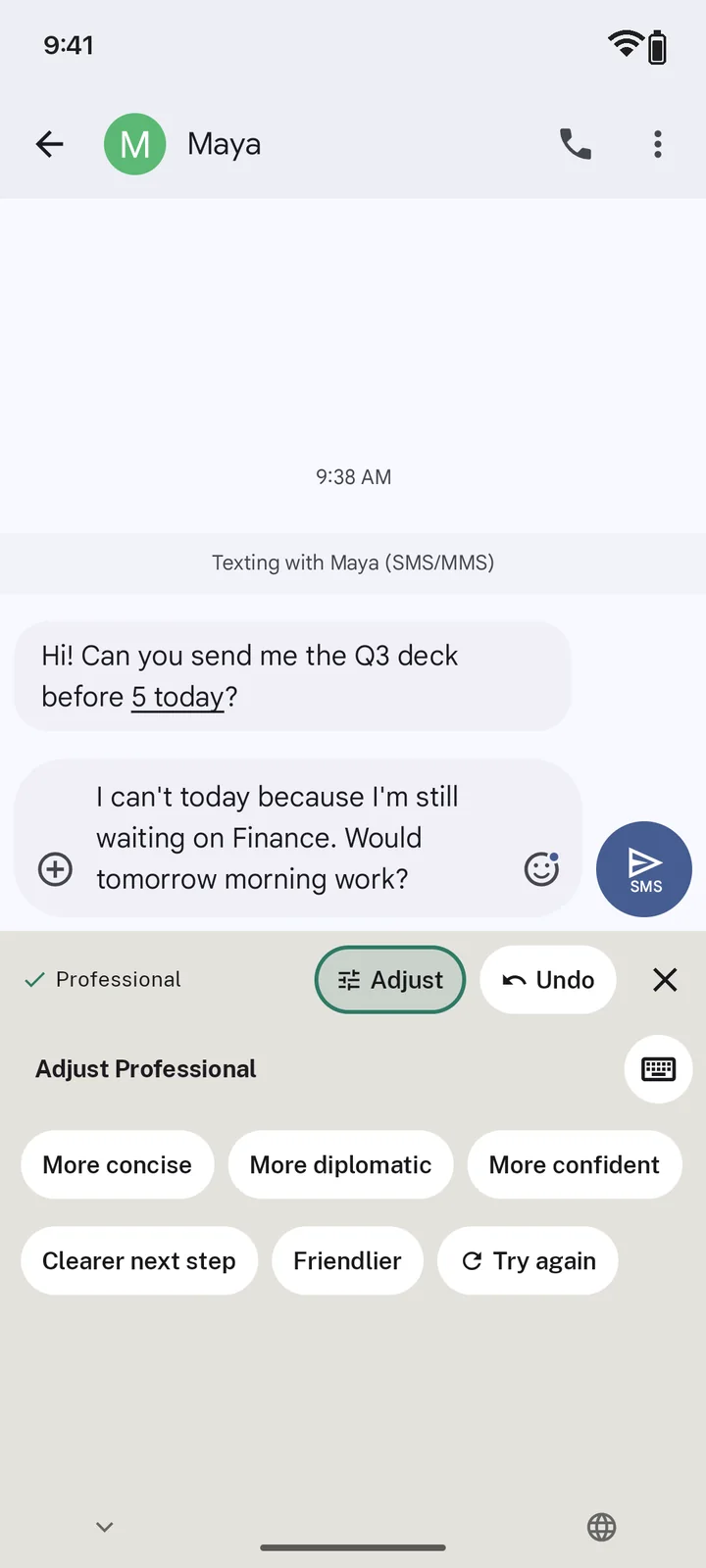
Not quite right? Make it more concise, friendlier or more confident. Undo steps back one change at a time.
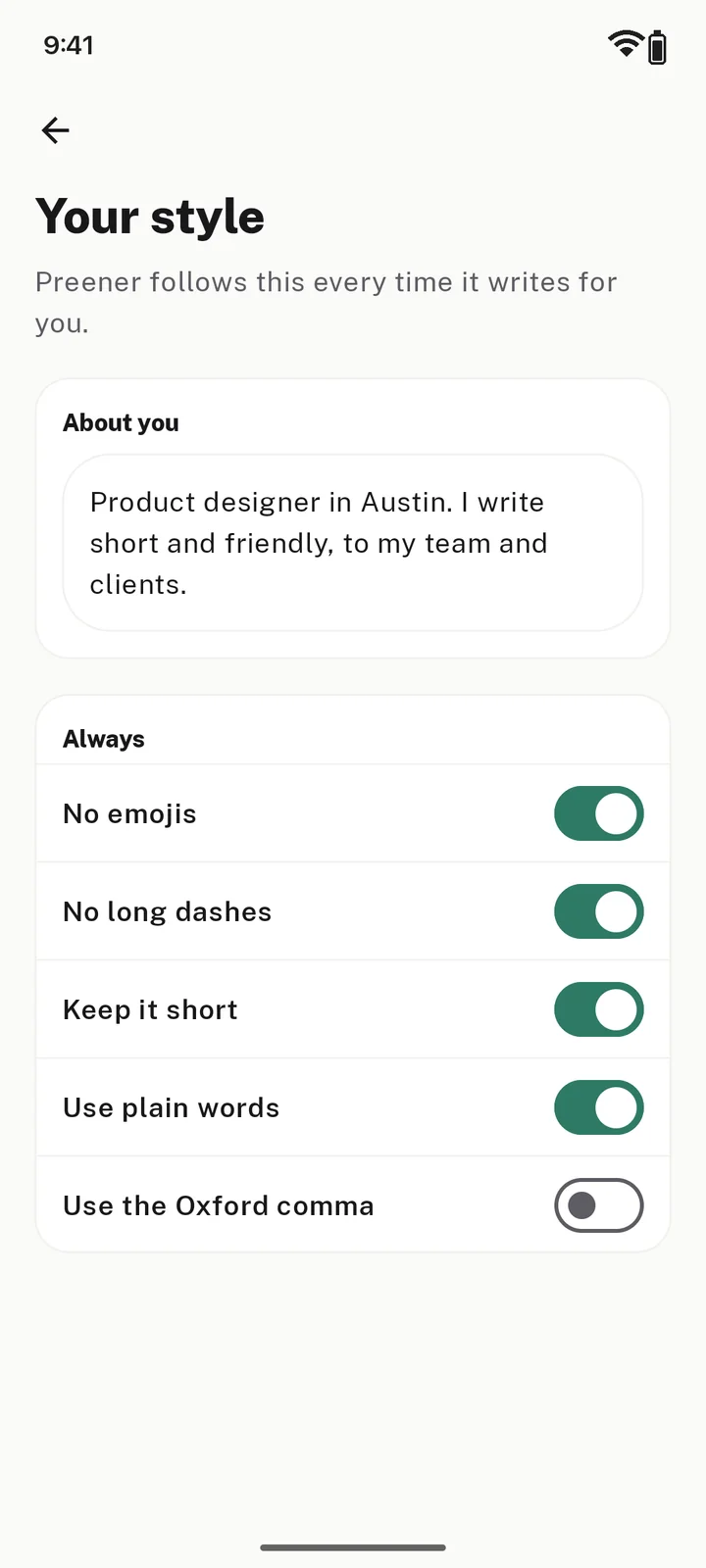
Tell Preener how you write once: no emojis, no long dashes, keep it short. Every result follows it.
Pick one of 100+ ready-made actions, answer a quick question or two, and get a draft ready to send.
See every writing tool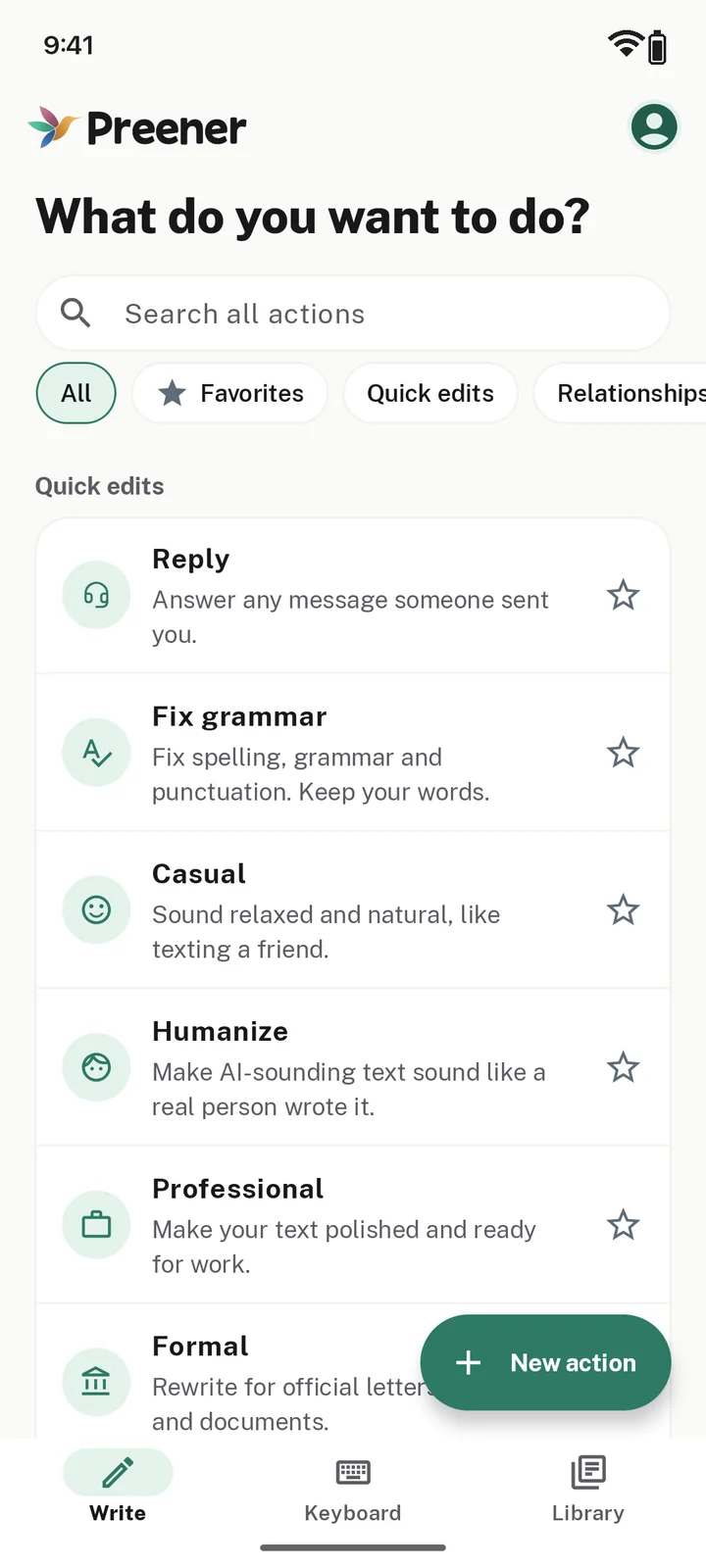
Apology, birthday wish, say no politely, condolences
Dating app opener and reply, love note, make up after a fight
Follow-up email, out of office, ask for more time, meeting summary
Cover letter, salary negotiation, LinkedIn post, resignation letter
Essay outline, study guide, flashcards
Instagram caption, short video script, YouTube title & description
Complaint email, refund request, answer a bad review
Marketplace listing, event invitation, travel itinerary
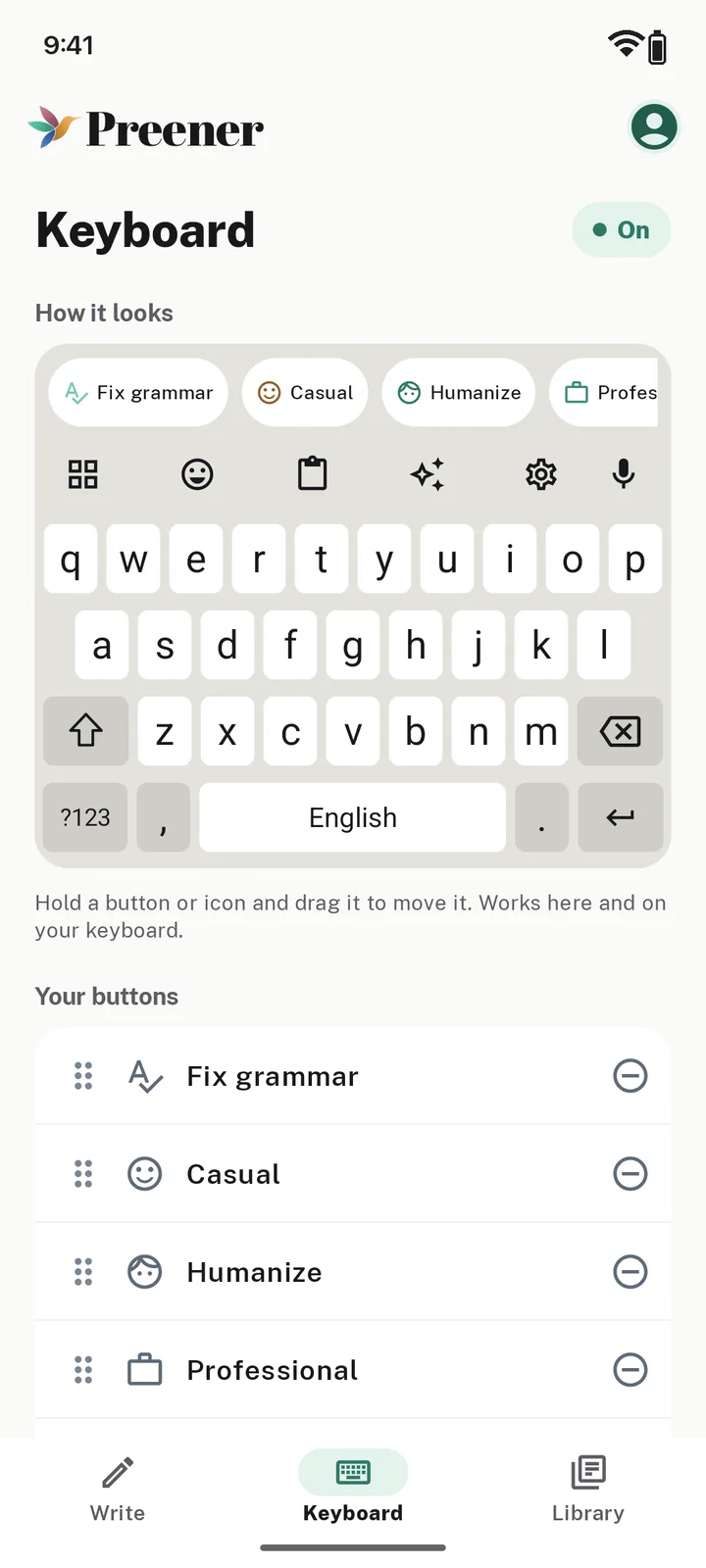
Choose which AI buttons show on the keyboard and drag them into the order you like.
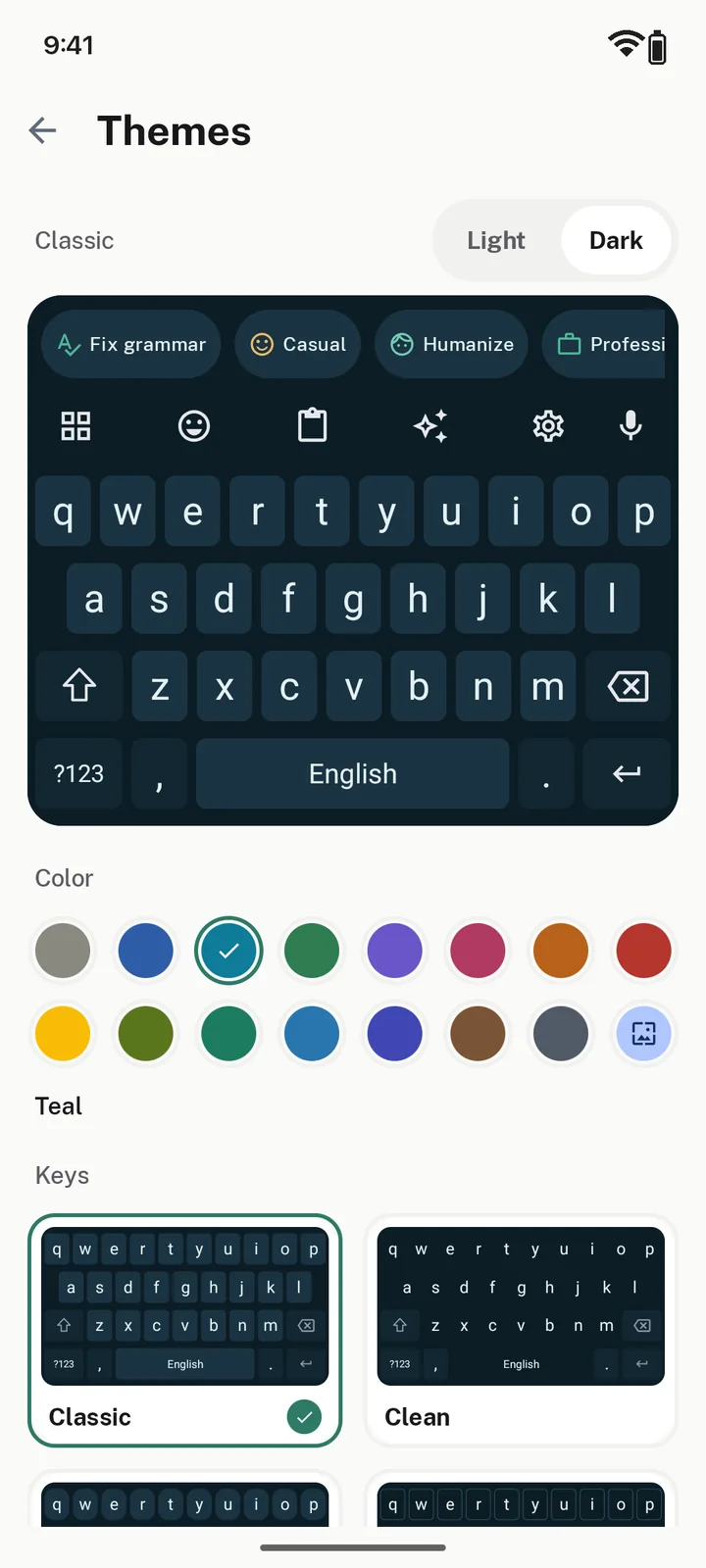
Nine key styles and more than fifteen colors, each with a light and a dark version.
Full emoji, plus text shortcuts that expand into your address, sign-off or anything you type often.
Drafts save as you type, so closing the app mid-sentence loses nothing. Keep the good ones in your Library.
Share text from any app to Preener to improve it or write a reply.
A keyboard or browser extension sees what you type, so here’s exactly what happens to your words.
Read the privacy policyWord suggestions and your typing history never leave your device.
Text goes to our servers only when an AI feature needs it, like a rewrite you tap.
AI features never run in password fields, on Android or in Chrome.
We don’t sell your data or use an advertising ID.
Fixes and rewrites you tap on the keyboard are never saved on our servers.
Ask us and we delete your account, your saved writing and any files you uploaded.
Get Pro here on the web or in the Android app. It works on the same account everywhere. Bought it on Android? Manage it on Google Play.
$0
$6.99/ month
Pro covers about 10,000 AI actions a month, given as a daily allowance. Very long texts count as more than one action.
Add Preener to Chrome from the Chrome Web Store, or get the keyboard free on Google Play for Android 7 and newer.
With Google, or with a code we email you. No password to remember. One account works everywhere.
In Chrome, click the bird in any text box. On Android, the app walks you through two quick switches to turn on the keyboard.
 Scan to install